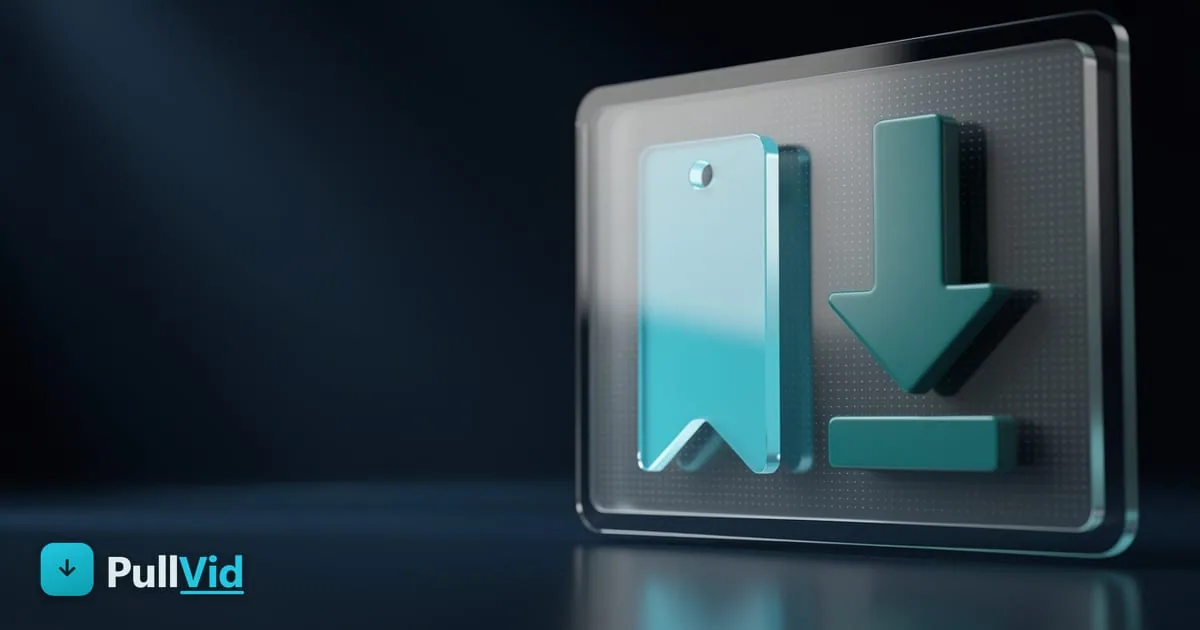
Save vs Download on Instagram: What's the Difference

On Instagram, Save and download are not the same thing. Save (the bookmark icon) adds the post to a private collection inside the app: it stays on Instagram, no file is downloaded to your phone, and you need the app to view it. Download means getting the video as an MP4 file on your device, which you can watch offline, move to your gallery, or share. Instagram only offers the first; for the second you need a tool like PullVid.
What "Save" does on Instagram
When you tap the bookmark icon under a post, Instagram adds it to your Saved items (you can organize them into collections). It's like a private bookmark:
- It doesn't download anything: the video is still hosted on Instagram, not on your phone.
- It only works inside the app: to view it, you open Instagram → your profile → Saved.
- It's private: no one sees what you save, but you don't have the file either.
- If the author deletes it, it disappears from your saved items too: it's not a copy of your own.
What "download" really means
Downloading is getting the video's MP4 file onto your device. Unlike Save:
- The file is yours: it goes to your Downloads folder (Android) or the Files app (iPhone), and you can move it to your gallery.
- You watch it offline: you don't need Instagram or the internet to play it.
- It doesn't depend on the author: even if they delete the Reel, your copy stays (for personal use).
Instagram has no native button to download someone else's video to your device (you can save your own videos). That's why, to get the MP4 of a public Reel, you use an external downloader.
How to actually download a Reel to your device
- Open the Reel, tap the three dots (⋯), and choose Copy link.
- Paste the link into PullVid's Instagram downloader.
- Choose the quality and tap Download. The MP4 saves to your device.
It only works with public accounts. You have the full step-by-step in downloading Instagram Reels without an app, and if you only want the sound, in downloading the music from a Reel.
So, which one do I need?
- I want to find it again later inside Instagram → use Save (the app's bookmark).
- I want the video in my gallery, to watch offline, or to share outside Instagram → you need to download the MP4 with PullVid.
Frequently asked questions
Does saving a Reel on Instagram download it to my phone?
No. Save (the bookmark) only adds the Reel to a private collection inside the app; the video stays on Instagram and no file is downloaded. To have the MP4 on your device you need to download it with a tool like PullVid.
Where are the Reels I bookmark with Save stored?
In your Instagram profile → menu → Saved. They're only visible to you and only inside the app. If the author deletes the post, it also disappears from your saved items, because it's not a copy of your own.
How do I actually download a Reel to my gallery?
Copy the Reel link (three dots ⋯ → Copy link) and paste it into PullVid's Instagram downloader. Choose the quality and download: the MP4 goes to your Downloads folder (Android) or the Files app (iPhone), from where you move it to your gallery. It only works with public accounts.
Can I download my own saved videos?
You can save your own videos from the Instagram app. For other people's public content, Instagram offers no native download, so you use an external downloader like PullVid, always for personal use.
Use our free tool — no sign-up required.
Go to Instagram Downloader
Daniel Carter
Technical writer · PullVid team
Daniel writes about video downloading, formats, and web tools at PullVid.
View profileRelated articles
Download Instagram Reels Without an App (2026 Guide)
Download Instagram Reels in HD without installing any app. Works from the browser on iPhone, Android, and PC. Fast and free.
How to Download the Music or Audio From an Instagram Reel
How to pull the song or audio from an Instagram Reel as MP3 step by step, by copying the link and using PullVid's Instagram to MP3 converter.
How to copy an Instagram Reel or video link
How to copy an Instagram Reel or video link on your phone (Android and iPhone) and in your browser, to paste it into a downloader and save it.